
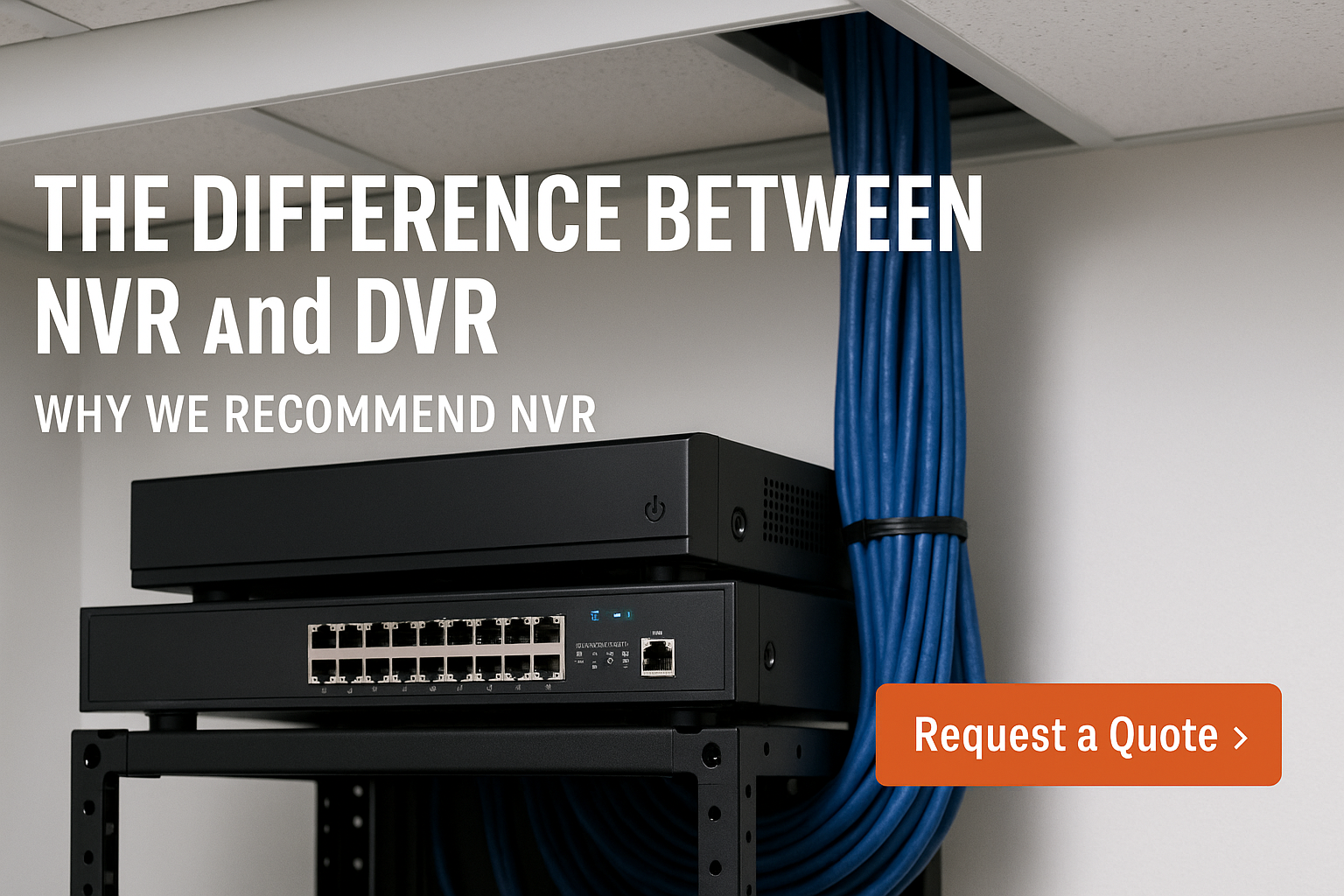
Quick Definitions
- DVR (Digital Video Recorder): Works with analog cameras (often called CVBS/HD‑over‑coax like TVI/CVI/AHD). Each camera sends video over coaxial cable to the DVR, which encodes and stores it.
- NVR (Network Video Recorder): Works with IP cameras that encode video at the camera and send data over Ethernet (Cat5e/Cat6) to a network switch or PoE NVR for storage.
Why This Matters to Your Project
When choosing a recording platform, you’re choosing your cabling, camera features, and upgrade path for the next 5–10 years. Here’s how the two compare where it counts.
1) Image Quality & Flexibility
- DVR: Modern HD‑over‑coax can reach 2–8 MP on some platforms, but resolution and frame‑rate are limited by the DVR standard and cable conditions. Specialty features (analytics, WDR, low‑light) are tied to the DVR and often lag behind.
- NVR: IP cameras routinely deliver 4K and beyond, plus advanced features on the camera (smart motion, line crossing, people/vehicle detection). Because the camera does the heavy lifting, you can mix models and brands that support open standards (e.g., ONVIF) to fit the scene.
2) Cabling, Power & Expansion
- DVR: Requires coax to each camera and separate power (or Siamese coax/power). Adding cameras means running more coax back to the head‑end.
- NVR: Uses Ethernet with PoE (Power over Ethernet)—one cable per camera for both data and power. Expansion is as simple as adding switch ports or another PoE switch. For long runs, you can use fiber or PoE extenders, but most buildings are well‑served by standard Ethernet distances.
3) Scalability & Future‑Proofing
- DVR: Scales in fixed channel counts (8ch, 16ch, etc.). Upgrading to higher resolution often requires replacing the DVR and sometimes cabling.
- NVR: Scales from a handful of cameras to hundreds with standard networking gear. You can upgrade individual cameras without replacing the recorder.
4) Remote Access & Cybersecurity
- DVR: Remote access typically depends on the DVR’s app and port forwarding. Older DVRs are notorious for weak security.
- NVR: Designed for IP networks—supports VLANs, strong passwords, TLS/HTTPS, and no port‑forwarding remote access via secure services. Cameras and NVRs can live on their own isolated network for extra protection.
5) Total Cost of Ownership
- DVR: Hardware can be cheaper up front, especially when re‑using coax. But separate power, limited analytics, and future replacements can add cost.
- NVR: Slightly higher initial cost but lower labor (one‑cable PoE), better analytics, and incremental upgrades yield a lower lifetime cost for most commercial and modern residential systems.
When DVR Still Makes Sense
- You have existing, healthy coax runs you want to keep.
- The site needs only basic recording with no plans for analytics or higher resolutions.
- Budget is extremely tight and the environment is small/contained.
Our Recommendation
For new builds, expansions, and most retrofits, NVR/IP wins on image quality, flexibility, cabling simplicity, scalability, and security. DVR can be a cost‑saving bridge when re‑using coax, but if you’re investing for the next decade, choose NVR.
Pro Design Tips
- Separate LAN: Put cameras and the NVR on a dedicated VLAN or physical PoE switch for performance and security.
- PoE Budget: Confirm the PoE power draw (W) of each camera against the switch’s per‑port and total budget.
- Storage Sizing: Calculate storage for resolution, frame rate, and retention goals—consider H.265 and camera‑side motion recording.
- Labeling & Documentation: Label both ends of each run and keep a floor‑plan map. Future you will thank you.
Need help scoping an NVR build? Custom Alarm Contractors can design, install, and maintain a right‑sized IP video system for your property.